
- Open WinCan VX & Create a Project
- Open WinCan Map & Send Manhole points from WinCan Map to WinCan VX
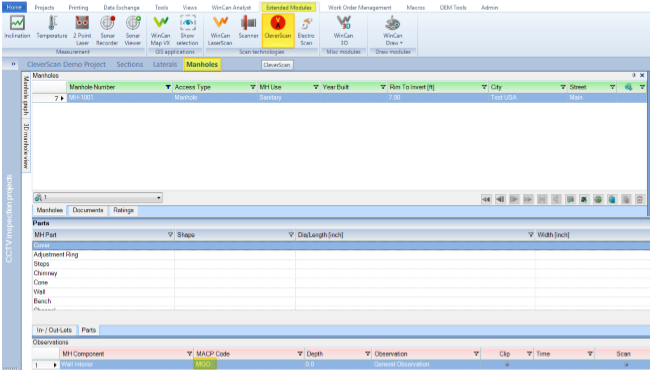
- Open the Manhole tab
- Browse to the Manhole you want to inspect
•Create a general observation (MGO) to have a location to link the scan
•Extended Modules>CleverScan
- Check the name matches the MH you are inspecting
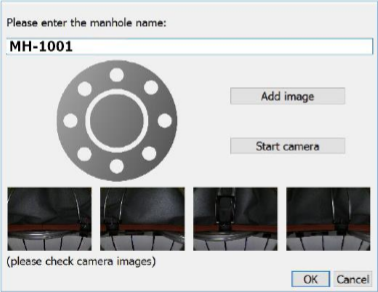
- Run the CleverScan software by pressing the OK button
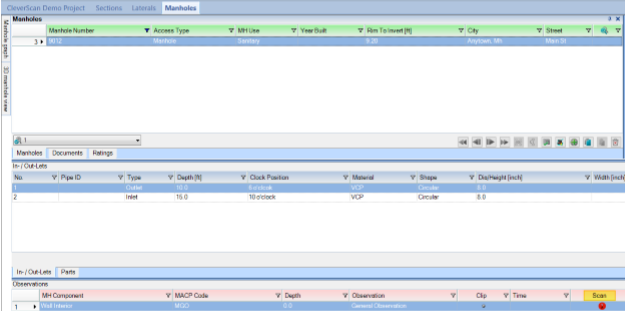
- Close CleverScan, this will link the scan
Comments
0 comments
Please sign in to leave a comment.