
This article is designed to walk through basic video setup
- Home>Settings>Live Video
- Select the Video capture device you are setting up (Dazzle, Vitec, Mobile Cap, AverMedia card etc)
- Configure device
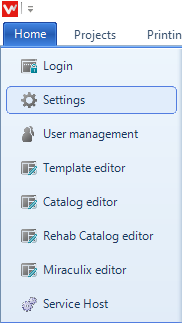
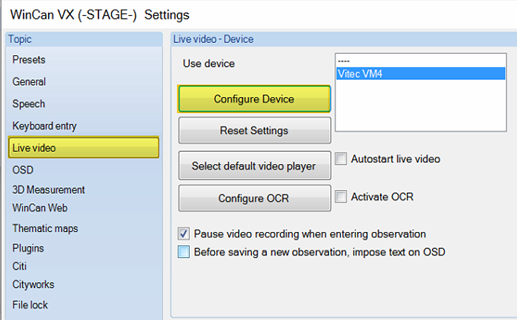
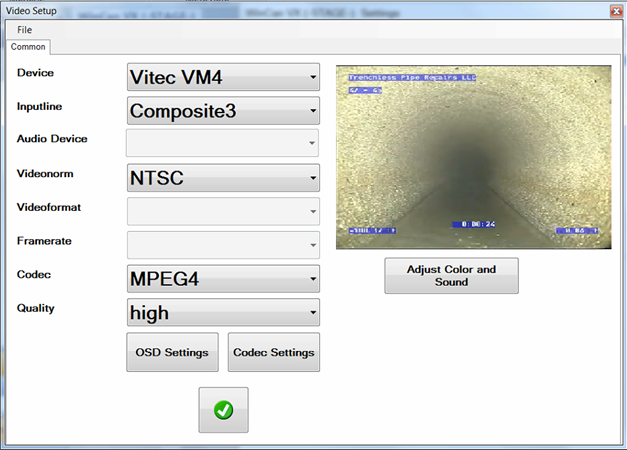
- Check the Video settings
- Inputline= Video from camera (Example shows Composite3/BNC connection for Vitec card)
- Videonorm =NTSC or PAL depending on total setup (If the wrong one is set the video either does not show or is black and white)
- Codec = MPEG 4 or H.264 most common for file size
- Quality = High
- Green check to save
Comments
0 comments
Please sign in to leave a comment.